
How it works
The administrator creates a device template and uploads or manually creates specific devices within it, whether they are machines, instruments, tools, or other operational and technical objects. This creates a clear device database with custom data according to the type of registered object.
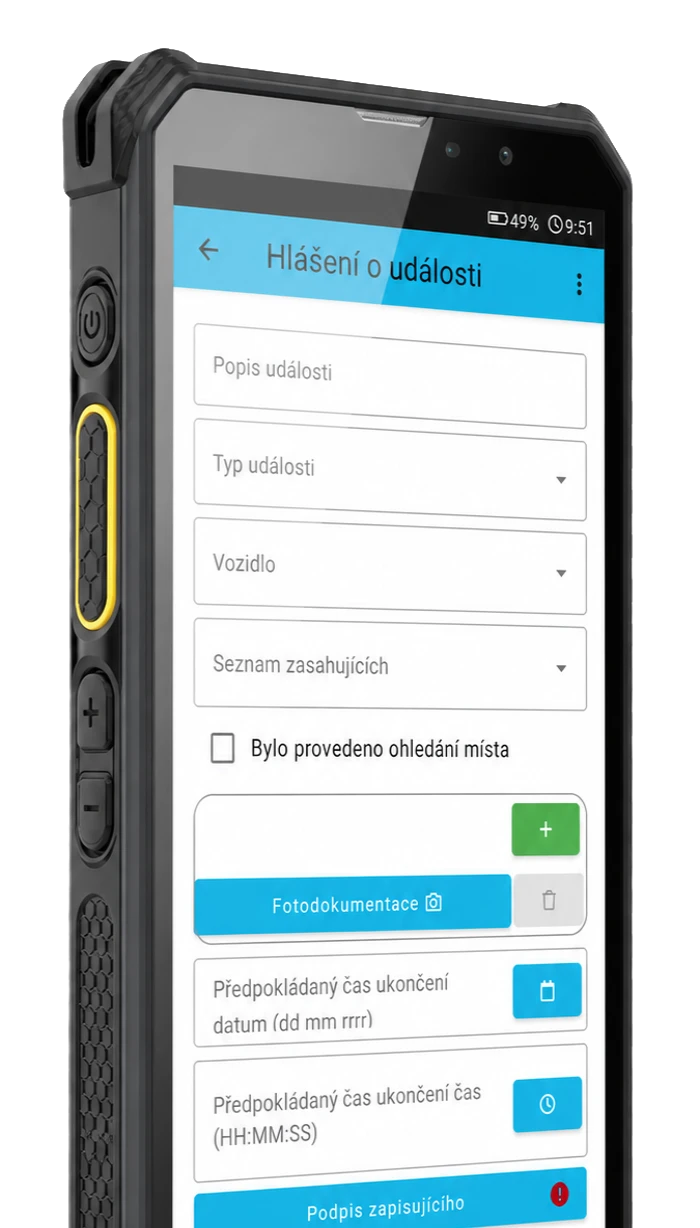
Depending on the type of device, the administrator assigns the corresponding form template. When a field worker scans a QR code, barcode, or NFC tag, the correct form opens with pre-filled data about the specific device. The worker adds information about the activity performed, such as an inspection, maintenance, or service, and submits the form.
1. Administrator creates the device database
They create a device template, set up custom fields, and add or import specific devices according to operational needs.
2. Assigns forms according to device type
They link forms for inspections, maintenance, service interventions, or other operational agendas to each type of device.
3. Worker scans the device in the field
Using a QR code, barcode, or NFC tag, they open the correct device and the related form.
4. Completes the activity and submits the form
They add the performed task to the form and submit the record, which remains linked to the specific device in the database.

Main benefits
Device registration in TOUCHGUARD connects the device database, field identification, and digital forms into a single process. This makes work faster, clearer, and more traceable than manual records or paper forms.
Less paper and less manual transcription
One of the main benefits is the digitalization of device records, inspections, and service records. Data is not kept separately in papers, spreadsheets, and notes, but is entered directly into the system, which reduces error rates and saves time during data retrieval and transcription.
Work even in operations where the internet is not always available
A great benefit is also the use in environments where the internet connection is not stable or permanent. TOUCHGUARD is also suitable for operations where work is mobile and data needs to be synchronized after the connection is restored.
Device database always at hand on mobile or tablet
TOUCHGUARD brings the device database and linked forms directly into the field. During inspection, maintenance, or service, the worker has the necessary device information available on a mobile phone or tablet, without the need to return to paper documentation or look up data elsewhere.
Better traceability of inspections, maintenance, and service records
Each record remains linked to a specific device in the database, so you can easily trace the history of inspections, maintenance, service interventions, and other operational tasks.
Integration with other TOUCHGUARD features
Device registration in TOUCHGUARD is not an isolated database. In practice, it builds on other system features so that devices can not only be registered but also have specific activities performed on them, results recorded, and operational data evaluated.
Integration with forms
Forms can be assigned to specific device types, which are automatically offered to the user to fill in after scanning the device.
Integration with patrols
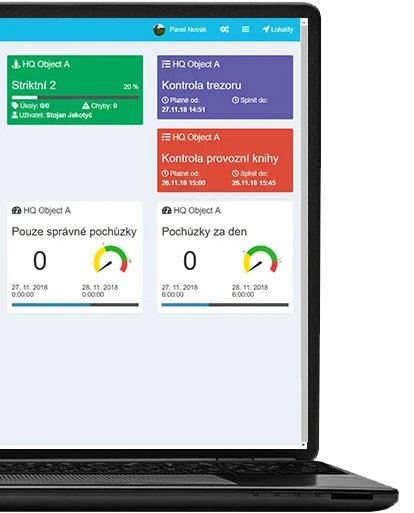
Devices can be linked to checkpoints in the Patrols module, so a worker can identify the device during a patrol, inspect it, and immediately perform another record on it.

Integration with KPIs
Data from devices and related forms can link to KPIs and other internal indicators that help monitor fulfillment, device status, or the progress of operational activities.
Where the feature is used
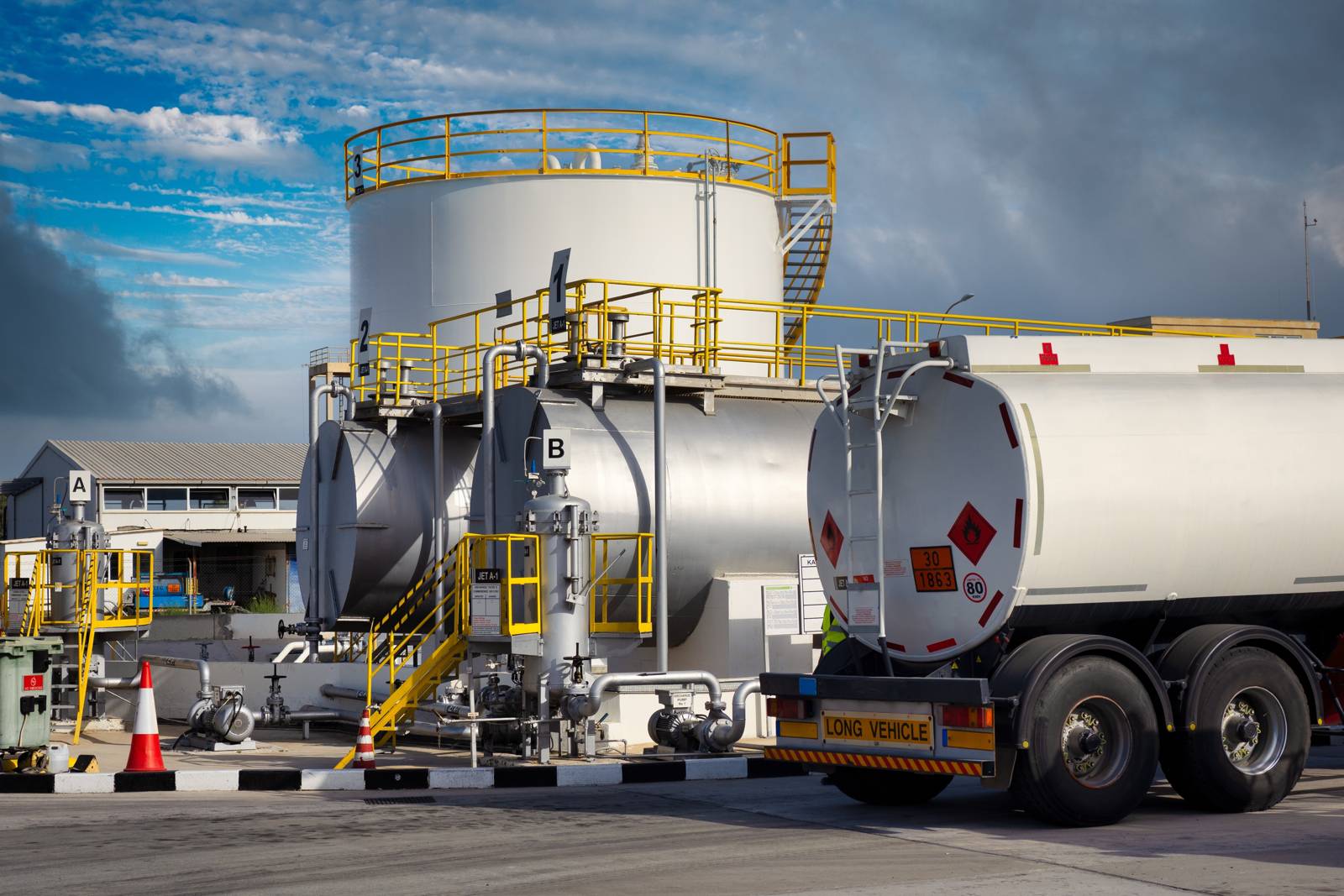
The device database and forms linked to devices find use wherever you need to identify a specific object, open the correct form for it, and add a record of the activity performed.
Service and technical management
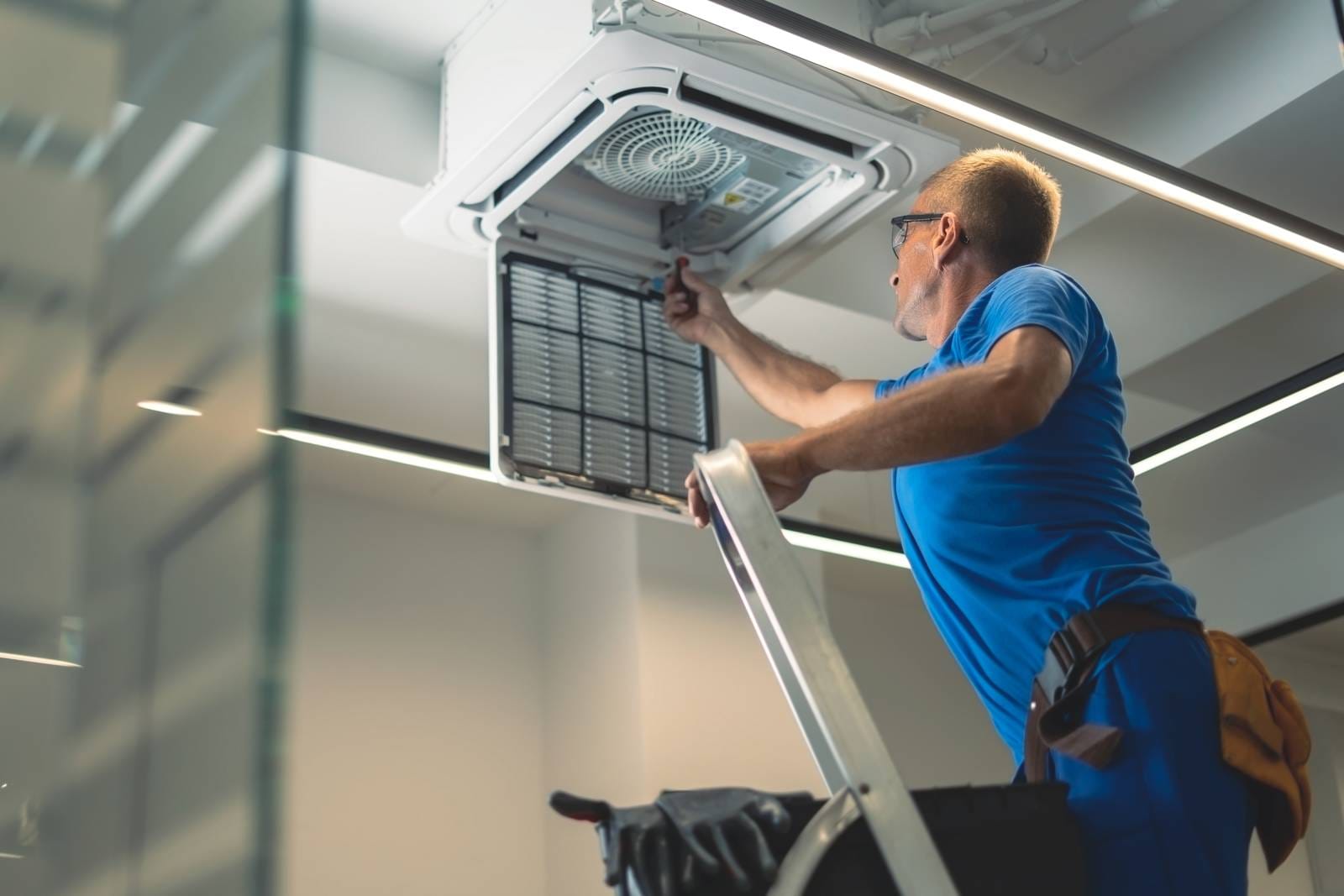
Registration of boilers, machines, switchboards, meters, building equipment, or other technologies, including links to service and inspection forms.
Inspections and maintenance in operation
Regular and extraordinary device inspections, preventive maintenance, revisions, and confirmation of performed tasks directly in the field.
Management of tools and operational objects
Registration of tools, instruments, rooms, apartments, or other operational objects with the possibility of adding custom data according to the organization's internal processes.
Who is the solution suitable for



Frequently asked questions
Can the application be locked to prevent the phone from being misused for private purposes?
Yes, TOUCHGUARD includes a "guard" function that locks the phone to the required purposes only and prevents misuse of the device for private use. This makes it impossible to browse the internet or use social networks. This function is optional.
How to get a sample solution?
Just contact us and we will be happy to present you with a solution according to your type of operation.
Is it also possible to use location data?
Yes, location data can be part of the solution if the company uses GPS.